Build your own online store in less than 15 minutes
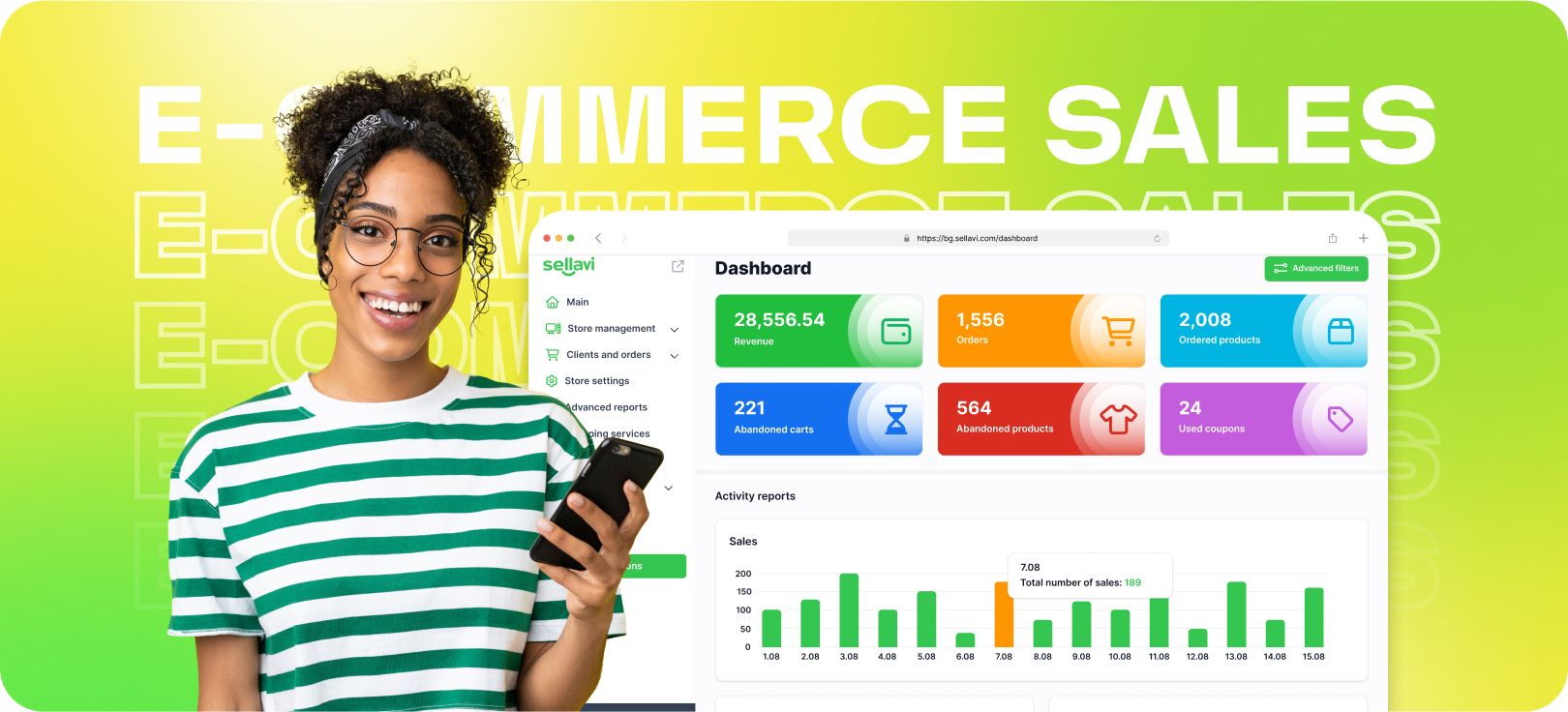
The internet continues to play a bigger role in our lives each year, and with it, the number of people choosing online shopping keeps growing. In 2024, the number of digital shoppers reached 2.71 billion — an increase of 70 million from the previous year. Global e-commerce sales hit $6.3 trillion, and by 2027, revenue is expected to surpass $8 trillion.
If these numbers aren’t reason enough to seize the opportunity, think of the potential waiting for you. Now is the perfect time to launch your own online store and tap into the booming e-commerce market.
But how can you get started? In this small guide, we’ll show you how to create your online store on Sellavi in just 15 minutes!
What you need to know when selling online
Starting an online business is exciting, but before diving in, you need to answer some key questions to set yourself up for success:
- What am I selling, and is there demand for it? – Research market trends and customer interest to ensure your product has potential.
- How high are the production costs? – Calculate expenses, including materials, manufacturing, and packaging, to determine profitability.
- How much can I sell the product for? – Analyze pricing strategies and customer willingness to pay while staying competitive.
- Who are my competitors? – Study their strengths, weaknesses, and unique selling points to differentiate your brand.
- How will I handle shipping and delivery? – Consider logistics, shipping costs, and delivery times to offer a smooth experience.
- How will I market my product? – Plan your strategy, including social media, SEO, paid ads, and influencer collaborations.
- How will I manage inventory? – Decide whether to use dropshipping, keep stock, or work with fulfillment centers.
Answering these questions will help you build a solid foundation for your online store.
Once you are able to respond to these entrepreneurial questions, it’s time for the next step: the creation of your online store. Don’t worry, this is easier than it might seem. You can create your very own online store with Sellavi in less than 15 minutes.
Personalize your online store
Create your account
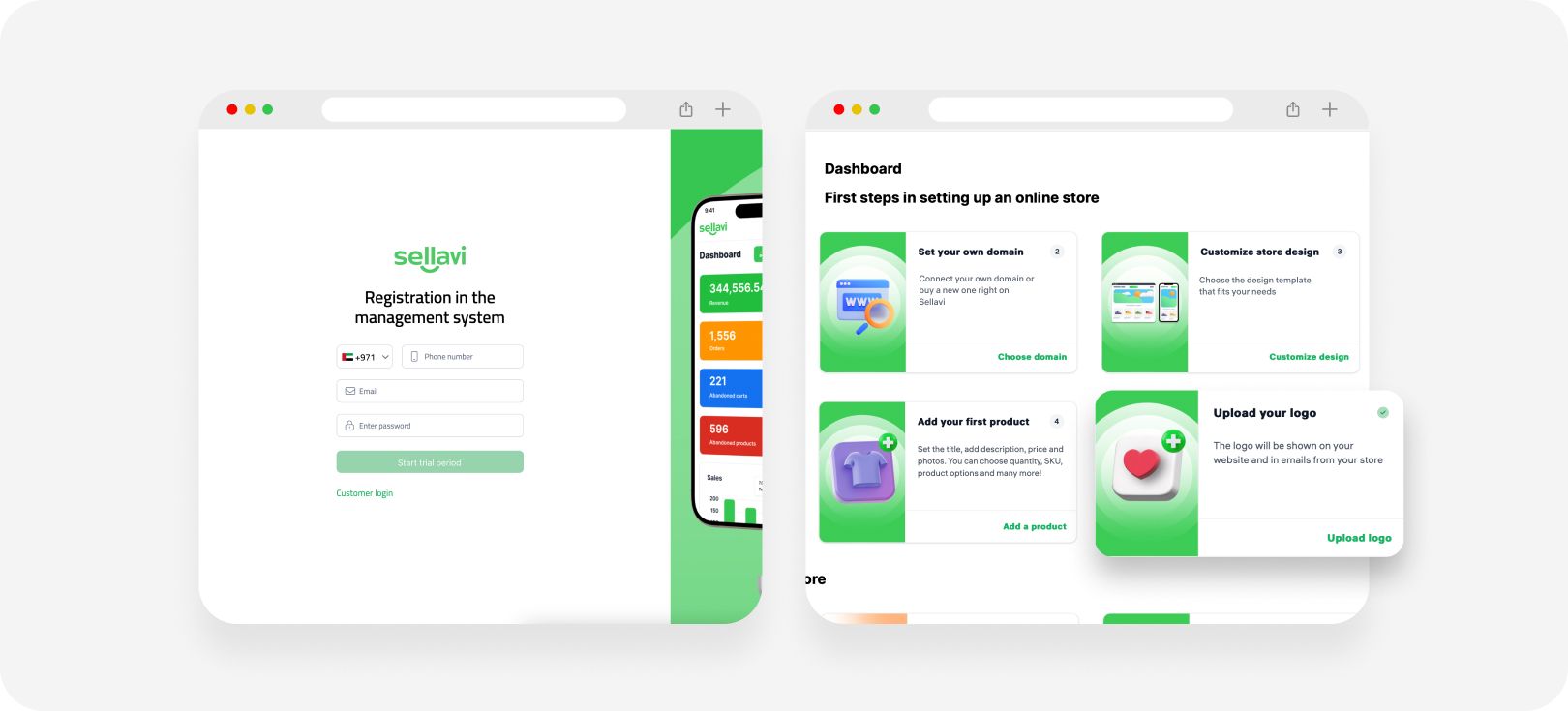
To get started with your online store, begin by creating your account. Fill out the registration form with essential details such as your store name, your name, and your contact information. Once your account is set up, you can start building your online store right away.
Add your logo
The next step is branding your store by uploading a logo. Your logo is the face of your brand online and lays the foundation for your future success. If you want to learn more about designing a logo, check out our dedicated article here.
Select a suitable layout
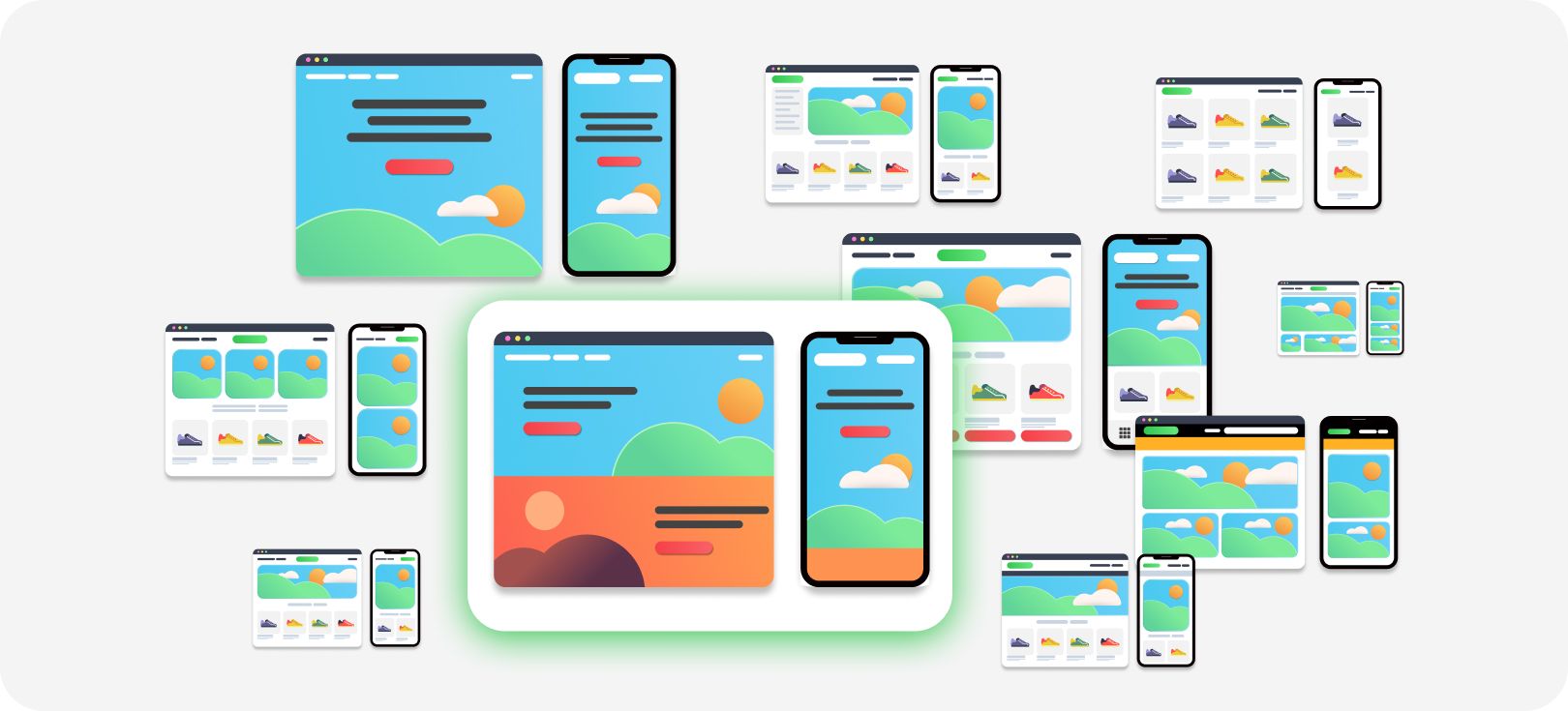
Now, let's focus on design. Choosing the right layout is crucial for your online store’s success. First impressions matter — your store’s design can determine whether a visitor stays to explore or leaves immediately. This, in turn, influences your conversion rates.
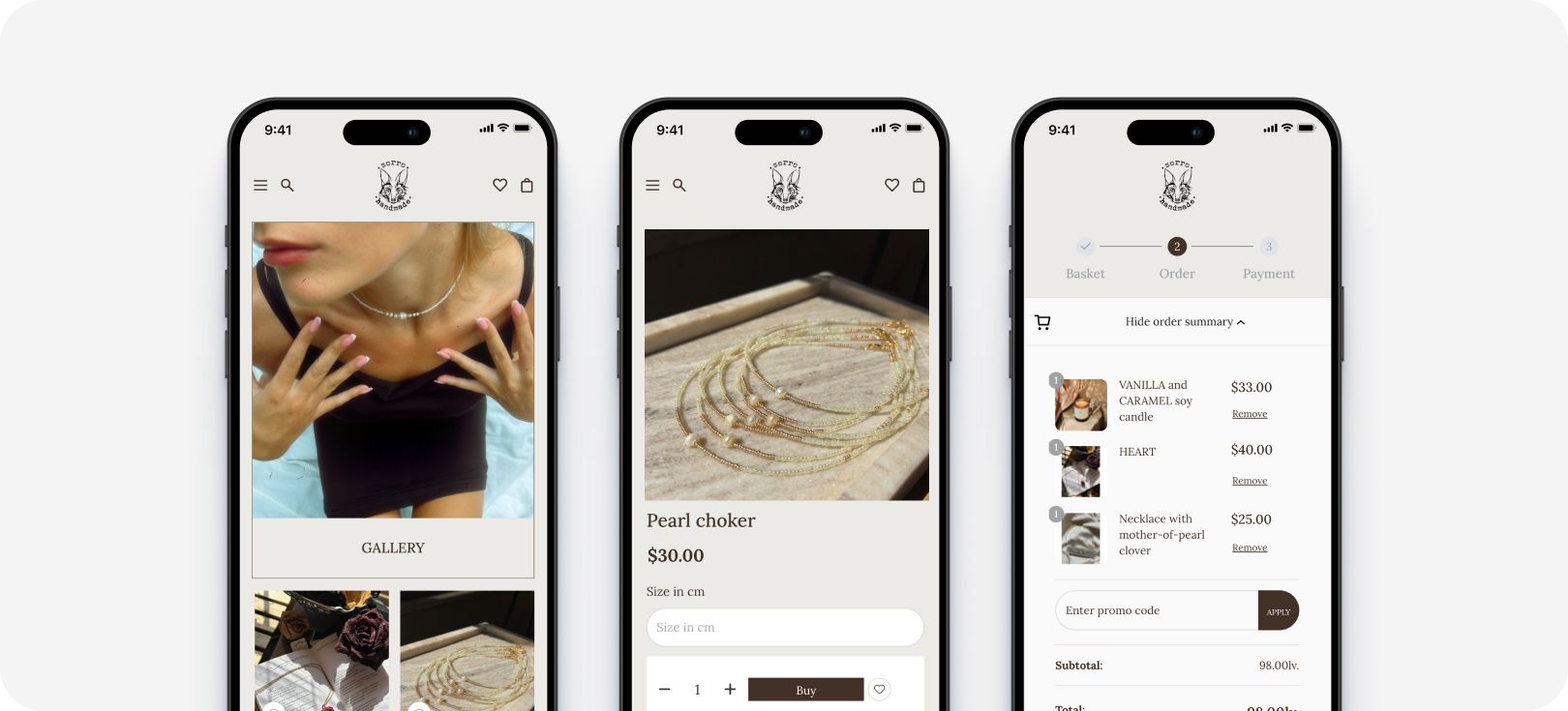
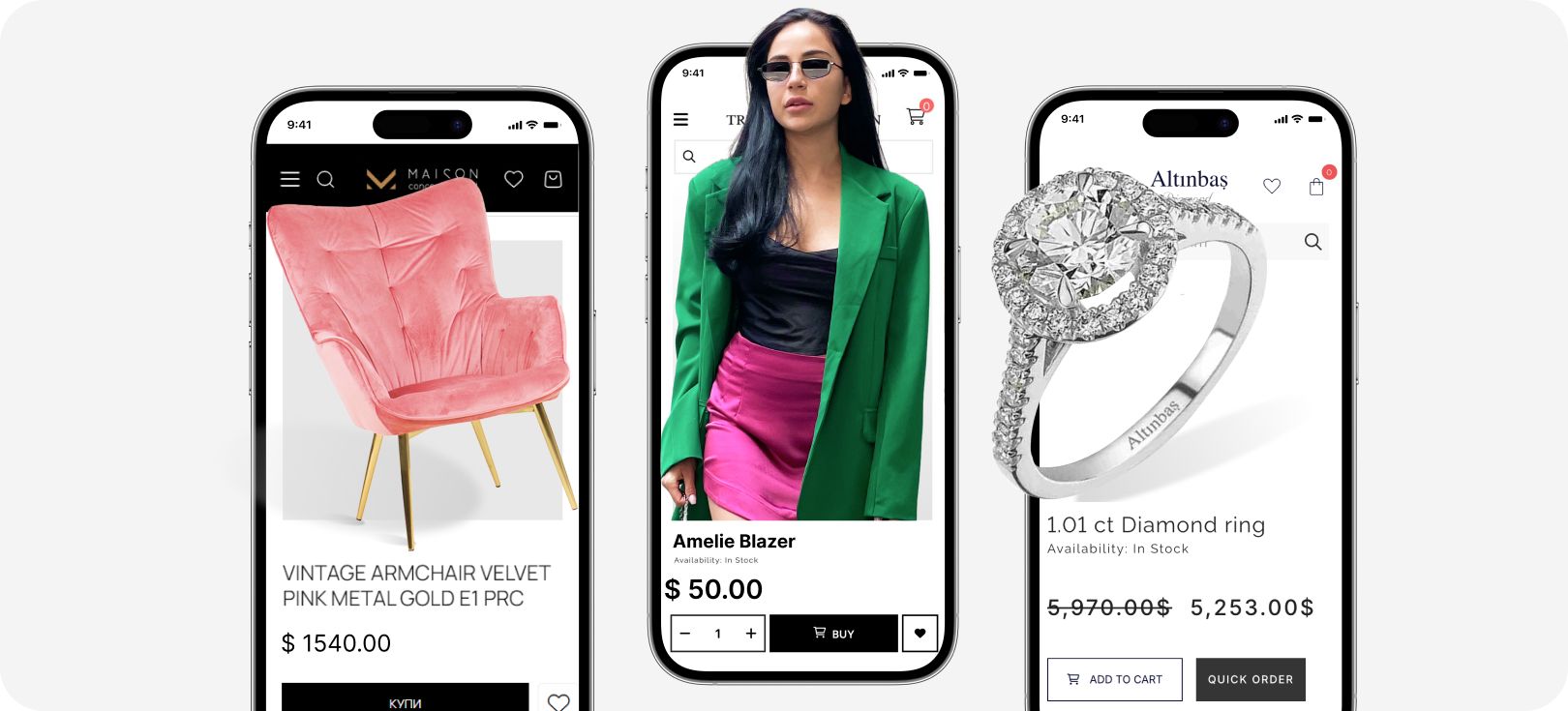
Depending on your business category, select a layout that aligns with your brand’s identity and enhances the customer experience. Your choice at this stage is critical, as it not only defines your brand’s visual identity but also impacts your customers’ shopping journey. Our templates are carefully crafted based on research into customer behavior on top-selling e-commerce sites worldwide, ensuring that whatever template you choose, your future customers will love it. Once you have selected a layout, you can personalize it further.
Choose the right colors for your brand
Picking the right colors for your store is not just about aesthetics — it’s about brand identity. The colors you choose will shape how customers perceive your brand, so it’s important to answer these questions first:
- Which color best represents my industry?
- Which color reflects my products?
- Which color should define my brand? (If you already have a logo, your website should incorporate its colors.)
The banner that speaks for your brand
Now, it's time to add a banner to your main page. You can create one using design tools like Figma or Canva. It’s easier than it seems — just follow these steps:
- Choose an eye-catching background image.
- Leave space to the left or right of the main elements in the banner.
- Add compelling text that attracts buyers — for example, "20% discount for the first 10 buyers!"
If designing a banner isn’t your thing, don’t worry! You can order a custom banner directly from the Sellavi platform.
Add your first products
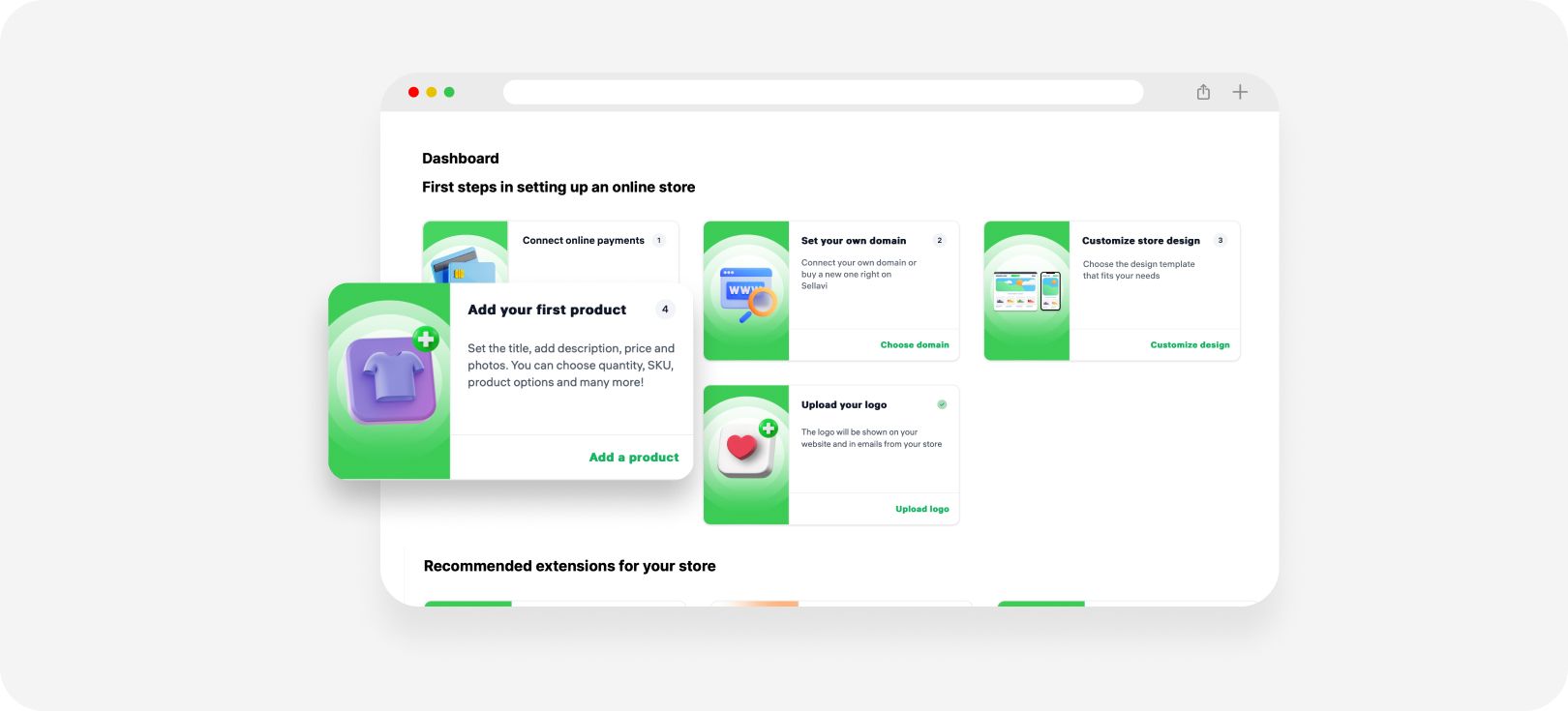
The primary reason for setting up an online store is to sell products, right? Unlike other platforms that impose product upload limits, Sellavi allows you to sell as many products as you want — no restrictions, no extra costs.
Uploading products is incredibly easy. You can either add them manually one by one or upload them in bulk via Excel. Choose the method that works best for you. Our user-friendly interface ensures that you won’t have trouble navigating the process, and if you have any questions, our Knowledge Base is here to help.
Oh, and did you know? You can also sell digital products on Sellavi! Whether you’re offering e-books, stock photos, or online courses, our platform is the perfect fit for your business.
Choose your shipping options
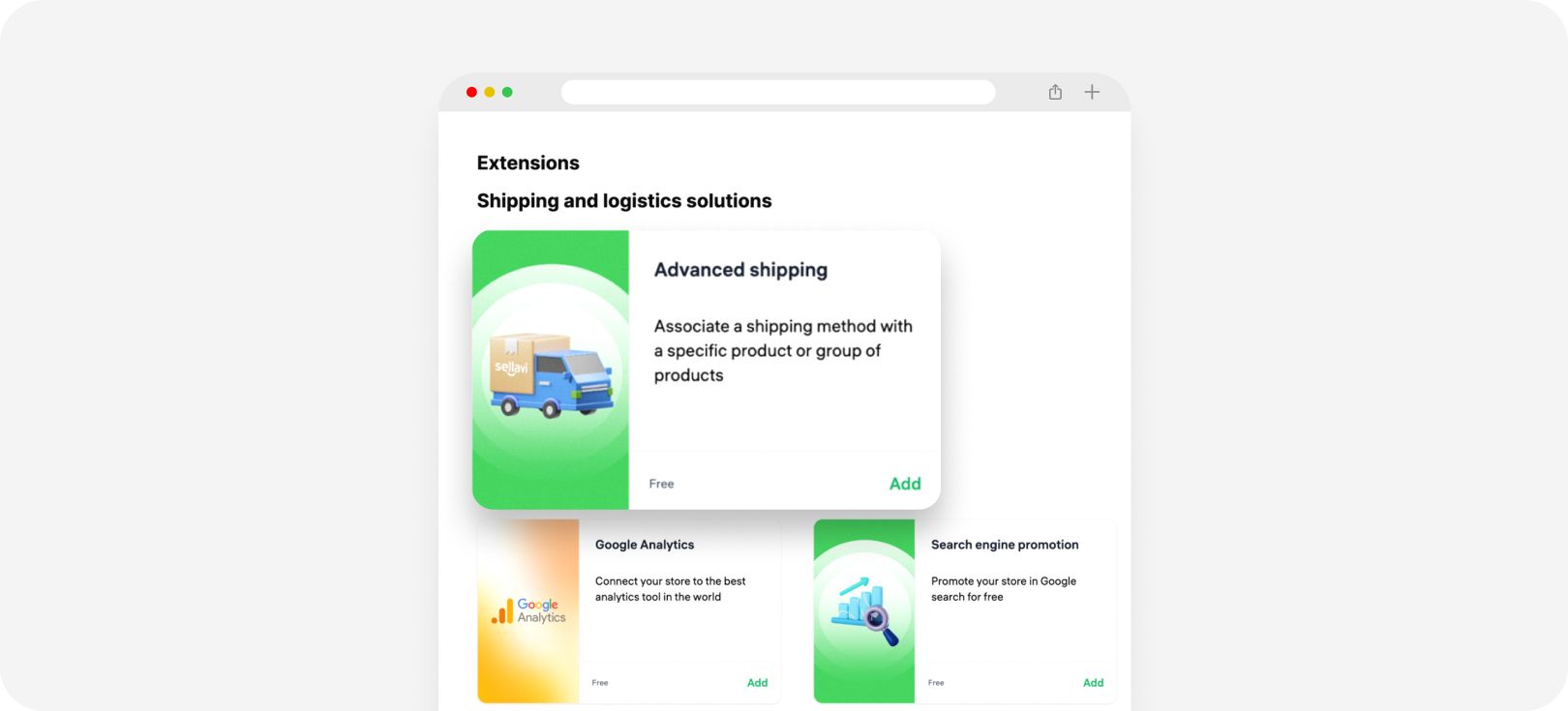
Shipping logistics can be a headache — but not with Sellavi. Our platform takes care of the hard work for you. Managing shipments is simple from your dashboard:
- Select your preferred shipping type.
- Fill in the required details.
- That’s it! Your shipping setup is complete.
We’ve already integrated the best shipping companies in your region, so you can start fulfilling orders without any hassle.
Set up online payments
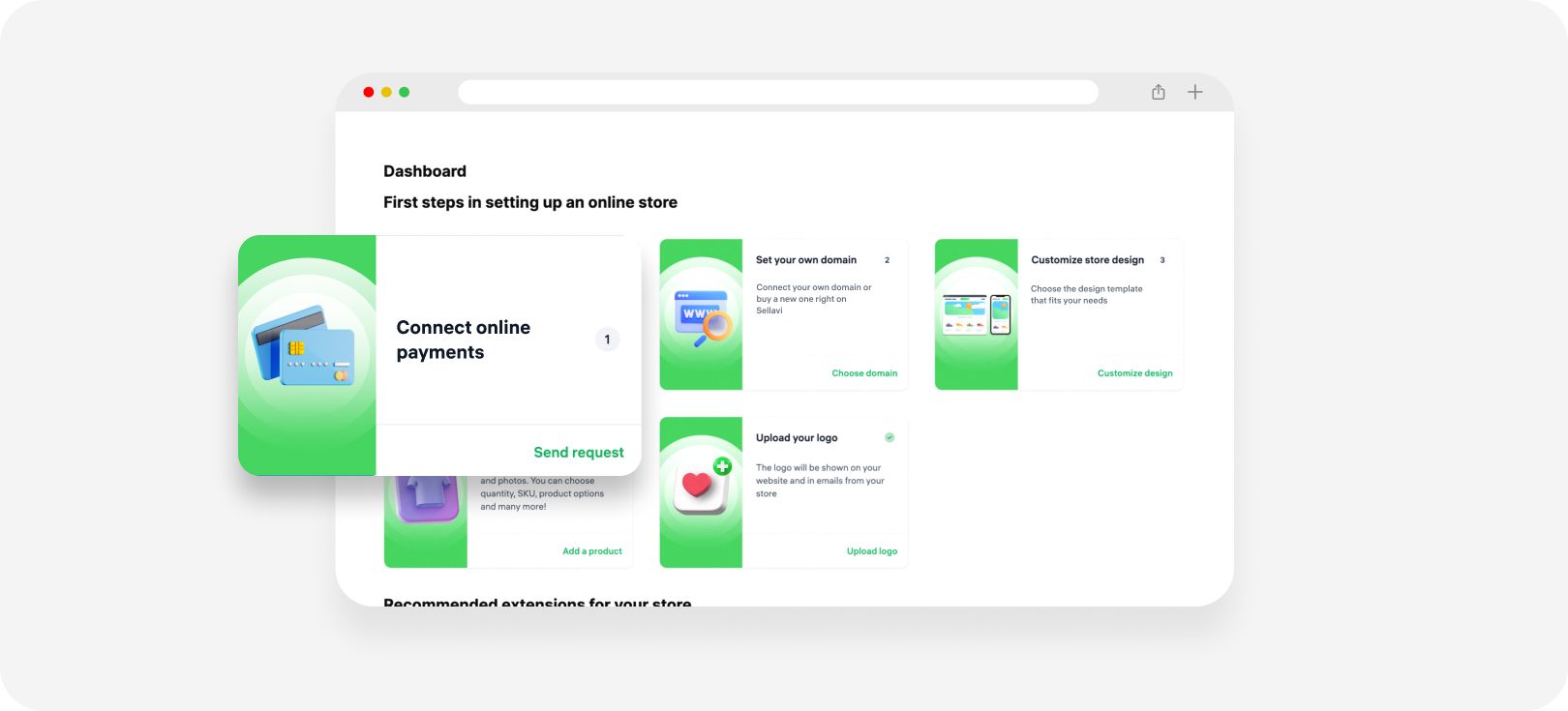
Connecting your store with a payment provider is crucial. With Sellavi, you can work with your trusted local bank for seamless transactions. This ensures that all revenue flows directly into your account — without any intermediaries.
To set this up, simply:
- Fill out the payment form in your admin panel.
- Submit the form for approval.
- Wait for confirmation from the bank (usually within a few days).
In the meantime, you can still make sales by accepting cash payments from customers directly.
What’s next?
At this point, you’ve completed all the essential steps to launch your online store — yes, in just 15 minutes! You’ve personalized your store by selecting a layout, adding a logo and banner, uploading your first product, setting up shipping, and connecting online payments. So, what else can you do?
Advertise your online store
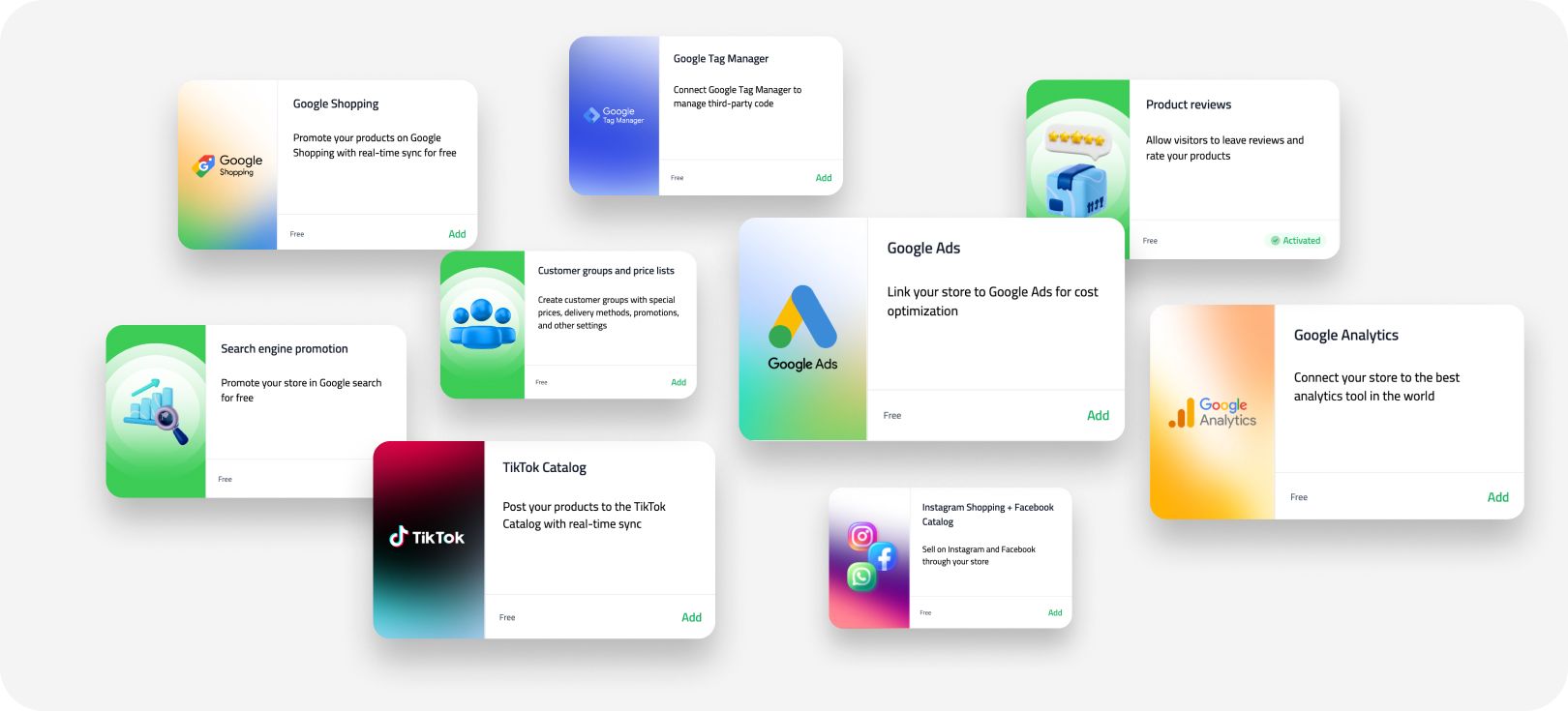
Attracting traffic is crucial, especially in the early days of your e-commerce journey. Paid advertising on Google, Facebook, and Instagram is an effective way to drive visitors to your store.
With Sellavi, integrating ad platforms into your dashboard is easy. Plus, we provide valuable insights and step-by-step guidance on setting up your Google and social media accounts to maximize your ad campaigns.
Communicate with your clients
Customer communication shouldn’t be a challenge, and with Sellavi, it isn’t. We offer a direct integration with WhatsApp, allowing customers to reach out to you instantly. This means you don’t have to be glued to your computer all day — answer messages and provide support anytime, anywhere.
The world Is yours!
Now, you’re ready to explore all the powerful features Sellavi offers. Our Knowledge Base provides detailed instructions for each tool, helping you choose the best ones for your business. The next step? Start selling and watch your business grow!
FAQ
Can I sell outside my country?
Yes! If your business is based in any of the supported EU or MENA countries, you can sell across these regions with ease. Sellavi has you covered.
When should my online store go live?
Once you’ve set up your website and integrated all necessary features, you can start selling. However, make sure you have products ready for shipping — otherwise, you may end up with disappointed customers.
Why should I use Sellavi?
Sellavi goes beyond basic e-commerce solutions by offering a complete, hassle-free package:
- No developers needed – Our platform is so intuitive that you can manage everything yourself — no coding required.
- Unlimited product listings – Sell as many products as you want with no hidden costs.
- Free updates – We continuously enhance our platform based on customer feedback to keep you ahead in the e-commerce game.
- Reliable shipping integrations – Easily manage shipments with our pre-integrated courier services.
- Seamless customer communication – Engage directly with customers through WhatsApp and other built-in tools.
- Instant revenue transfers – Your earnings go straight to your bank account — Sellavi takes no commission.
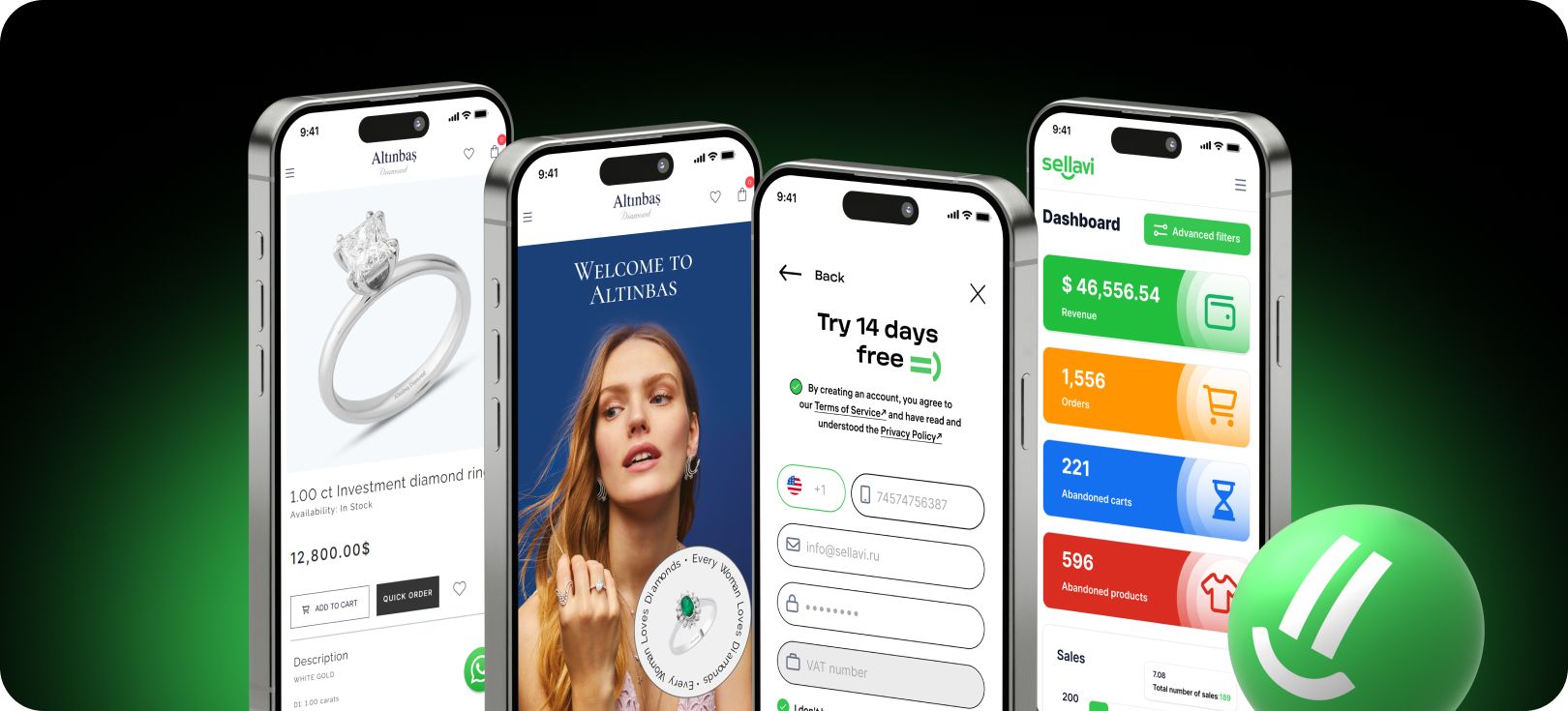
- Comprehensive analytics – Monitor your best-selling products, track abandoned carts, and receive low-stock alerts — all in one dashboard.
Still have questions? Sign up for a free 14-day trial and experience Sellavi for yourself! If you need assistance, explore our Knowledge Base or reach out via live support chat. Everything is designed to help you succeed as an online seller!