How to take product photos: the guide for online store photography

After the question "how to create an online store" is solved, comes another one — how to take photos for it?
The undeniable advantage of offline retail lies in the ability to carefully examine and touch the products. In e-commerce, visitors can only rely on photographs, making high-quality visual content a crucial component of a successful online shop.
In this article, we will provide tips on how to create product photos for an online store that can ignite the desire to buy your products immediately.
START SELLING
ON SELLAVI
Why creating a unique content for an e-commerce website is important?
Pictures are the first thing potential buyers notice when browsing an e-commerce store. The photo quality greatly influences whether the product ends up in the shopping cart.
Using images from the supplier's catalog may be convenient, but it makes you dependent on the provided material. Low image detail, limited angles, and a style that doesn't match your online shop are just some of the issues you might encounter.
If you rely solely on the manufacturer's photos, you won't stand out from competitors selling the same products. This negatively affects conversion rates and SEO optimization — search engines will mark your content as "non-unique," lowering your online store's ranking in search results.
Of course, if you're reselling products from a major brand, you may have access to high-quality photographs, but this is an exceptional case. For instance, in dropshipping, the images are usually average at best. Moreover, as you will be downloading them in a pre-compressed format, the result on your website will look even worse. So taking product photos by yourself will be the best way.
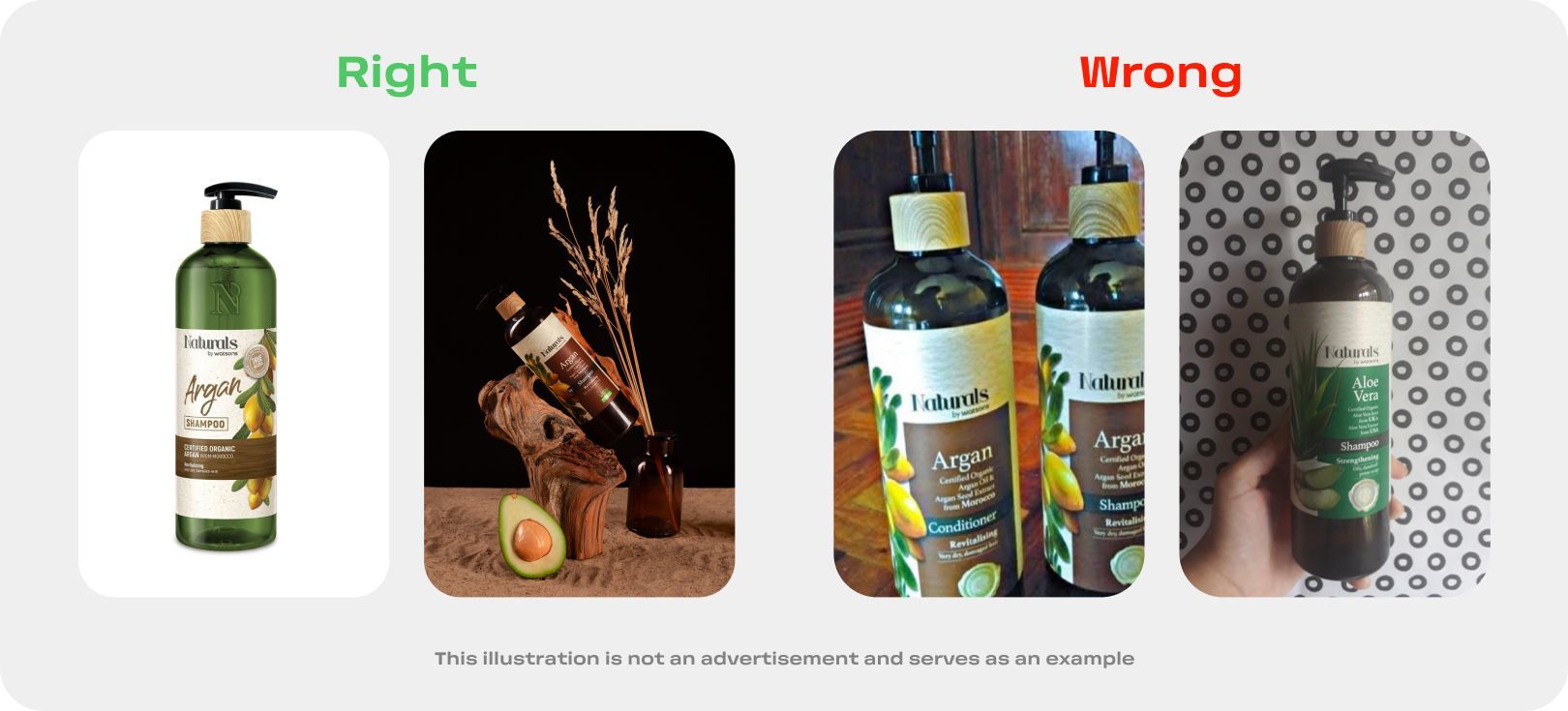
Taking product photos on a mobile phone vs. a camera
It is possible to take product photos for an online store using any type of equipment. However, we strongly recommend using a camera, and this article will be much more useful for those who have decided to invest in quality equipment.
Despite continuous advancements in mobile photography, particularly from well-known brands like Apple, phones still lag behind cameras in many aspects. Here are some advantages of using a professional camera:
- Higher image detail: Most cameras on the market provide picture detail that satisfies the requirements of different selling platforms.
- Availability of RAW format: RAW is an image format that contains all the data obtained during photo shooting. Photos taken in RAW can be processed with greater flexibility, resulting in higher-quality output.
- Better optics: Camera lenses are less prone to various optical distortions.
- Higher light sensitivity: The physical parameters of camera sensors allow for better photo quality in low-light conditions.
- Accurate color reproduction: Cameras gather and process more color data, filling your images with natural tones, important for product photography.
- Ability to work with flash: A professional flash allows you to give your photos character, emphasize texture, and set accents.
- The camera won't ring at an inappropriate moment: This is useful for prolonged shooting when distractions should be avoided.Higher image detail: Most cameras on the market provide picture detail that satisfies the requirements of different selling platforms.
- Availability of RAW format: RAW is an image format that contains all the data obtained during photo shooting. Photos taken in RAW can be processed with greater flexibility, resulting in higher-quality output.
- Better optics: Camera lenses are less prone to various optical distortions.
- Higher light sensitivity: The physical parameters of camera sensors allow for better photo quality in low-light conditions.
- Accurate color reproduction: Cameras gather and process more color data, filling your images with natural tones, important for product photography.
- Ability to work with flash: A professional flash allows you to give your photos character, emphasize texture, and set accents.
- The camera won't ring at an inappropriate moment: This is useful for prolonged shooting when distractions should be avoided.
Considering the advantages listed above, we recommend using a camera. The results will be worth the investment.
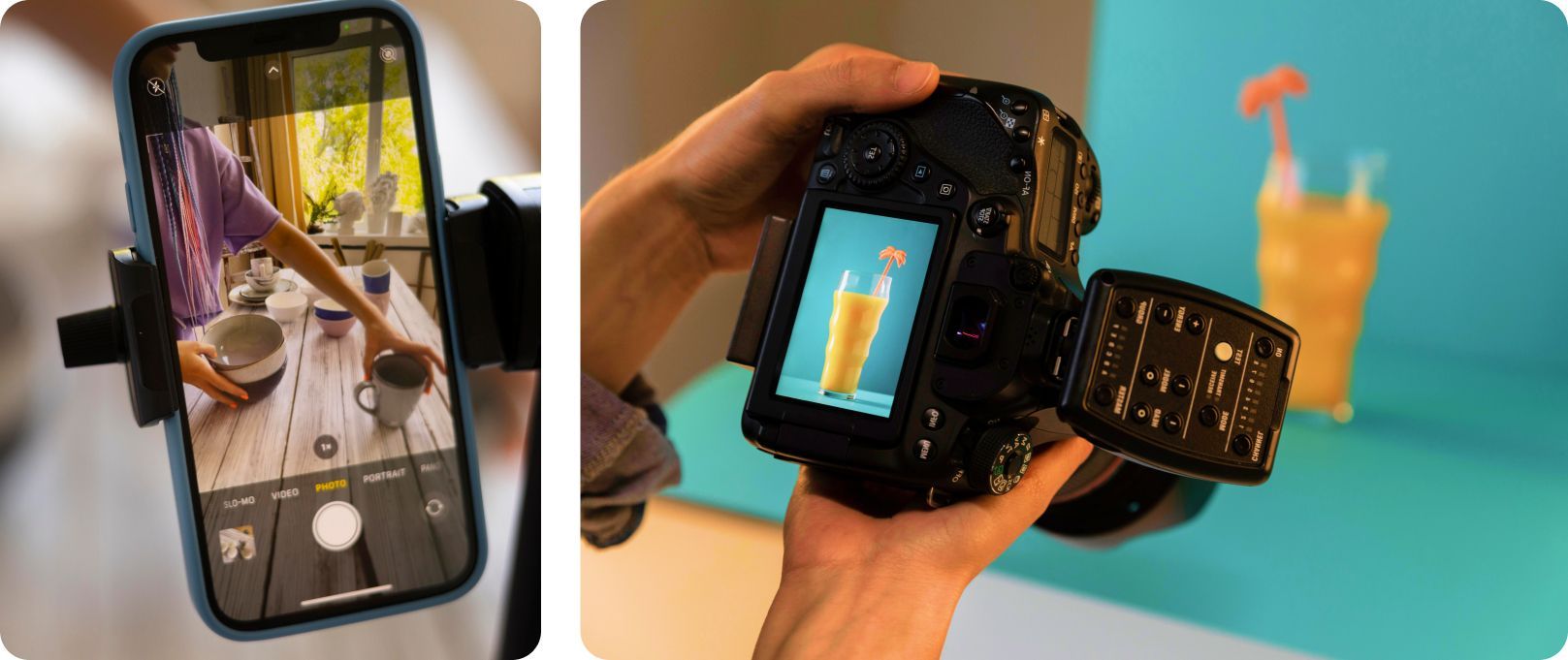
How to make high-quality product photos for e-commerce?
We have prepared a list of tips to help you understand how to shoot compelling content for your online store.
Shoot in high resolution
Before making a purchase, customers need to evaluate the product. Without physical contact, your audience will "touch" it with their eyes; High-resolution images increase its informativeness, especially for products with textures and details such as clothing, furniture, and jewelry.
However, while caring about resolution, don't forget about picture optimization: millions of pixels can slow down online shop page loading. Use specialized online services to compress images. Remember that the photo's quality should be sufficient for zooming in so that customers can see the details.
Work with lighting
Proper lighting is the key to a beautiful shot, applicable not only to creative but also to commercial photography. It is essential to plan how the object will be illuminated based on the location where the work will take place.
You can rent lighting equipment in any photo studio. If you're not planning to work in a studio, consider factors such as weather for natural lighting, and have access to continuous or flash lighting.
Don't forget about color accuracy
Remember that the photo on the e-commerce website should accurately represent the product's color in reality. Otherwise, negative reactions from customers may occur.
To achieve this goal, use light sources with the same color temperature. If one light source is "warm," and another is "cold," you will get an unsatisfactory result that cannot be fixed even during post-processing.
Another important shooting aspect lies in choosing the color space. There are many color spaces, but we are interested in two main ones: RGB and its younger brother sRGB. The first is used for printing, while the latter is for online publishing.
When uploading images to an online store, they are automatically converted to sRGB. If you shoot in RGB, the photo will lose color and contrast. Therefore, we strongly recommend working in sRGB.
Choose a background for the product
Regardless of the subject, the background plays a crucial role in product photography. Its task is to present the product favorably. If the background is overloaded with visual information, the customer may receive distorted data about the product, which is highly undesirable.
A classic background is a monochrome sheet of thick paper. It's essential to choose a color that highlights the object. You can place the product or model on white, which is the most common option. For luxury products, black can be used. Subtle shades like gray and beige work well for jewelry or minimalist decor.
Using a contrasting background is possible but should be reasonable. For example, pink donuts with rainbow sprinkles will look better against blue rather than brown.
If you can't decide on a photo background, shoot the object on a white sheet. If necessary, you can change the color in Photoshop. This will require skill and effort but will allow you to choose the exact tone you want.
Show the real size of the object
Product photography for an online store should accurately convey its size. Add one or two frames showing how the product looks in use. Put a bag on the model's shoulder and photograph it at full height, take a picture of the ring on a hand, or capture the table in an interior setting.
Work with different angles
When customers cannot touch the product, they will look for similar information in the images. Your task is to provide it.
Take pictures of the object from different angles: front, back, side, bottom, and top if necessary. Allow customers to examine the potential purchase in detail.
Try to avoid unusual angles. The easier the frame is to perceive, the better it will sell.
Review the material on a computer
The camera screen is less suitable for evaluating your work. Before making a verdict on the shot, transfer it to your laptop. This way, you can see more details and avoid mistakes, such as deleting a good photo.

Work with devotion and the results won't take long
We have collected the most critical aspects of taking high-quality product photos for an online store. Act according to the situation, experiment, and eventually achieve the best results for your business.